
How to Remove Filler Words from Video Automatically (Ums, Ahs, and Repeats)
Jul 15, 2026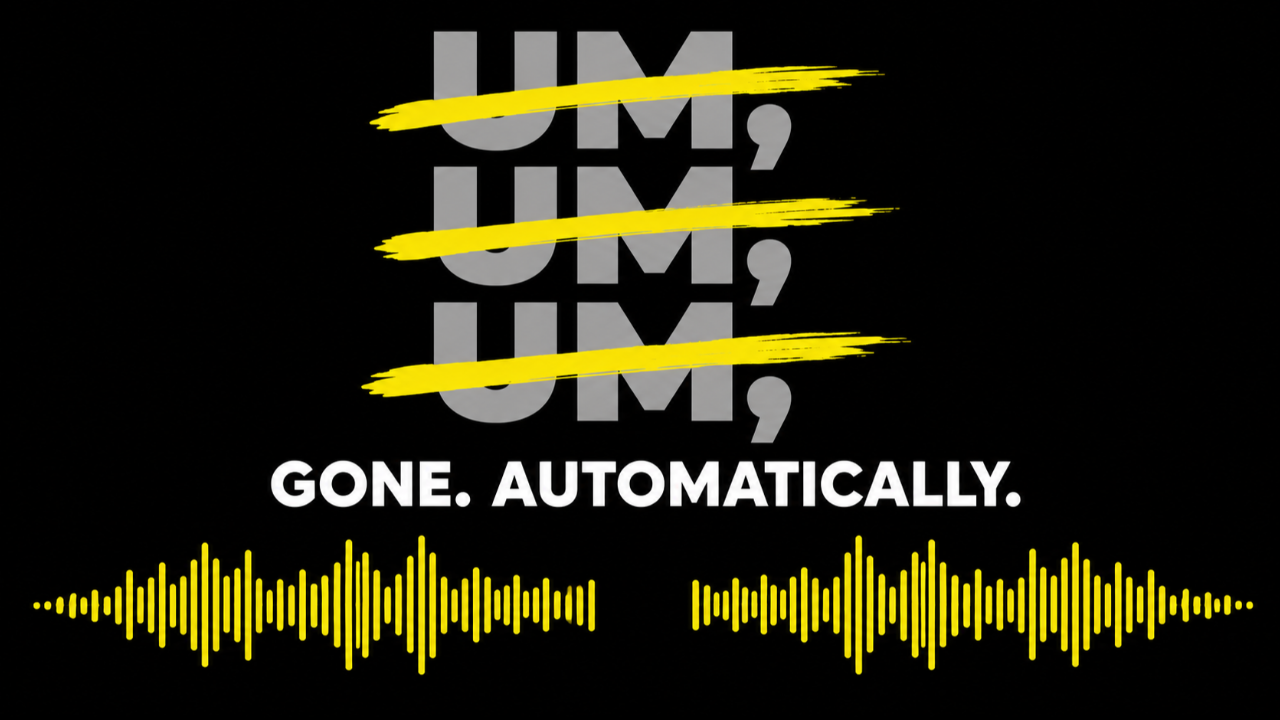
The Fatal Flaw of Transcript-Based Editing
Tired of editing out endless "ums" and "ahs"? You are not alone. These small hesitations, along with long pauses and repeated words, hurt audience retention and make even polished speakers sound less professional.
Many of the top AI editing tools claim to solve this problem by offering text-based editing. They transcribe your video and let you simply delete filler words from the text. Sounds magical, right?
Here’s the hidden risk: AI transcription relies on software guessing where one word ends and the next begins. When you delete a word in the middle of a sentence, the software often cuts the video at an imprecise point, forcing the audio signal to jump abruptly. This results in an audible, jarring "click" or a loss of crucial context, making your video sound unnatural.
In short, relying only on text for editing means risking your entire message. We measured exactly how much gets left behind in our AI Video Editor Showdown: transcript-based editors missed 10 to 15 filler words in a single 90-second clip.
⚡️ The TimeBolt Difference: Waveform Precision
TimeBolt’s Umcheck is engineered differently. We understand that editing is a function of sound, not just text.
Umcheck is built upon two layers of technology that guarantee both safety and surgical precision:
1. The Waveform Safety Net
Your audio's waveform is a visual representation of the sound’s amplitude over time. It looks like a graph with peaks (loud parts) and valleys (quiet parts).
Instead of relying solely on the AI text, TimeBolt's core cutting engine uses the waveform to perform "surgical" edits. This allows the software to cut only at a zero-point crossing—the precise moment where the audio amplitude crosses the center line.
-
Benefit: Cutting at the zero-point crossing is critical because it prevents the audio from jumping abruptly. Your cuts are clean, silent, and seamless—they sound natural.
2. Umcheck AI Identification
The Umcheck AI layer then works on top of this safe foundation. It uses the transcription to accurately identify every filler word ("um," "ah," "er") and silence.
By combining the AI identification with the precision of the waveform cut, Umcheck can surgically remove unwanted audio segments without creating jarring sound artifacts. The result is an inherently more precise cut that prevents the video from sounding butchered.
⚙️ Umcheck: Filler Word Removal in Action
Umcheck is designed to be set-it-and-forget-it simple.
| Feature | Action | Benefit |
| Filler Word Removal | Automatically detects and deletes "um," "uh," and repeated words. | Clean up your narration, boost confidence, and save time editing. |
| Silence Removal | Detects and removes long pauses or room noise from extended pauses. | Eliminates awkward pauses that hurt audience engagement. |
| Customization | Toggle settings to remove hesitations only, repeated words only, or both. | Gives you precise control to tailor the final audio length and pacing. |
Filler words are half the cleanup. The other half is dead air—and that is TimeBolt's core engine. See the full guide: How to Remove Silence from Video Automatically.
Everything runs on your machine. Your video never uploads anywhere, detection runs with millisecond precision, and you pay only for what you use at $0.03 per minute. Full details on the Umcheck page.
🔥 Take Control of Your Narrative
The most powerful editing tool is the one that minimizes your risk while maximizing your speed. By leading with Waveform Precision and layering AI on top, TimeBolt ensures you get the speed of automation with the safety of a professional audio engineer. See the head-to-head numbers against Descript, Gling, and Loom in our benchmark study, or dig into the SRT caption workflow Umcheck unlocks.
Download TimeBolt today and hear the difference that true audio precision makes.
