PRICING
Powered by TimeBolt

Your recording gets longer.
Your transcription bill doesn’t.

Transcribe locally inside TimeBolt. Remove fillers, bad takes, repeats, and custom phrases. Correct captions. Review every cut.

Five minutes or six hours: $0 in additional local transcription fees. Powered by NVIDIA Parakeet on your computer. No audio upload. No separate WhisperX install. No MCP setup.
UMCHECK Tutorial
▶

Local transcription is included at no extra charge. See TimeBolt plans →

01 — Filler Word Detection

Find every um. Remove any phrase. Miss nothing.

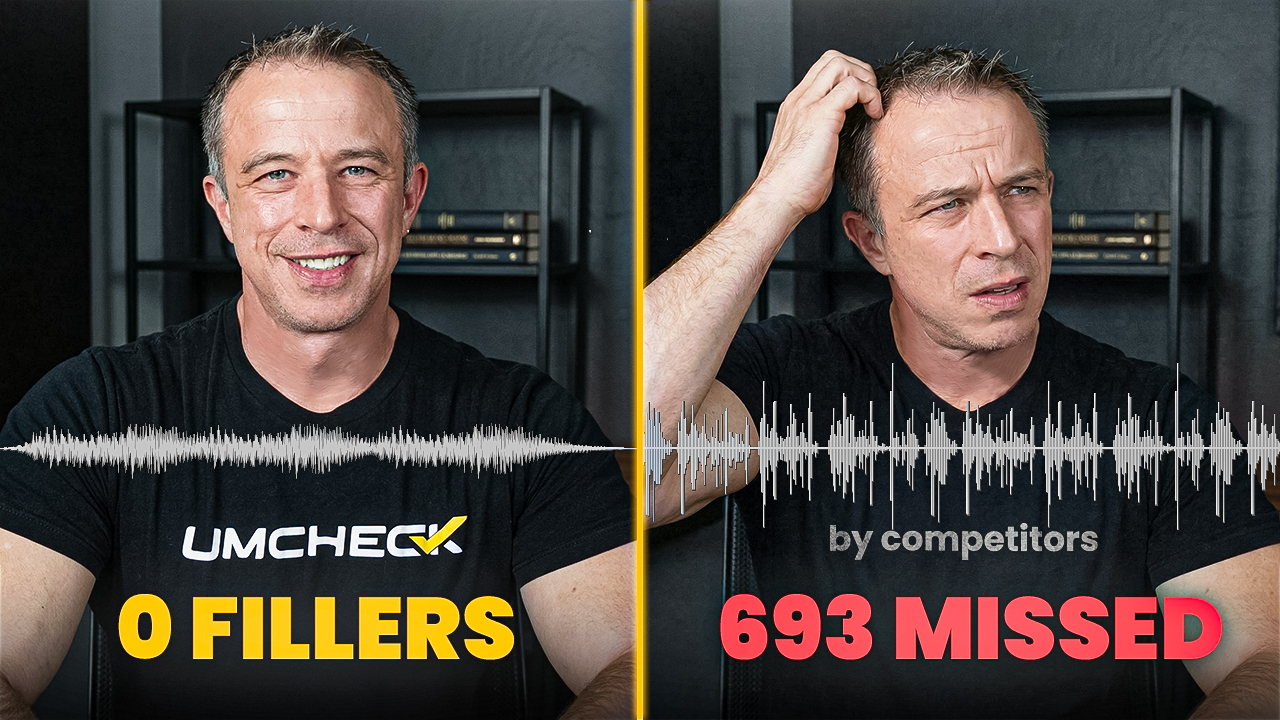
Competitors rely on transcript-only detection that misses 448–607 filler words per hour. UMCHECK combines waveform precision with AI transcription to catch nearly all of them — then lets you add your own.

25+
Preloaded Fillers

Um, uh, you know, so, like, uhm — loaded and ready to remove the most common filler words. No custom input required.

✓ Every word pinned to its exact millisecond — not sentence-level timestamps
✓ Waveform coordinates the cut; transcript identifies the target
✓ See every filler highlighted and counted before you apply a single cut
+
Add Custom Phrase Detection

The only editor that lets you remove any unique word tic or phrase. Type it, comma-separate it, and UMCHECK finds every occurrence across the entire video.

✓ Add "actually," "basically," "right," or any personal verbal tic
✓ Remove competitor brand names from training videos
✓ Double-click any word to exclude — full control, zero automation anxiety
WPM
Before & After Words-Per-Minute

Each automation layer compresses your content further.

150
Raw File
+23%
185
+ Silence
+8%
200
+ UMCHECK
02 — Bad Take Detection

Kill bad takes. Keep the best one.
You control how far to look.

Two modes — false start detection for unscripted video, retake detection for scripted. Adjustable lookahead from 5 to 50 lines. No other tool gives you this control.

R
Retake Detection

For scripted video with a teleprompter. UMCHECK identifies when you repeated the same line and automatically keeps the last take — the one you nailed.

✓ Look-ahead Lines: 5, 10, 20, 30, 40, or 50 — you control how aggressive detection is
✓ Uses Jaccard similarity + edit distance to compare phrases
✓ 98% precision — it almost never cuts good content
F
False Start Detection

For unscripted video — conversations, interviews, commentary. Catches stutters, aborted sentences, and incomplete thoughts that make speakers sound hesitant.

✓ Pair with filler word detection for maximum cleanup on talking-head video
✓ Segments speech by pauses (0.8s+ gaps) and filters short fragments
✓ Detected content highlighted in red — review everything before applying
F1
Benchmark: AI Editor Showdown

Word-level semantic analysis across four real-world datasets. TimeBolt achieved the highest overall accuracy, the lowest redundancy, and zero manual cleanup time.

TimeBolt 90.6%
14.5% redundancy — 0 min cleanup
Gling 85.4%
22.5% redundancy — 55% more waste
Descript 80.4%
28.6% redundancy — 97% more waste
Read the full benchmark study →
03 — Captions & SRT Export

Captions that actually sync
after you edit.

Every other tool requires you to re-sync captions after making cuts. UMCHECK generates SRT files from the same transcript used for editing — so every caption matches your final timeline. No drift. No re-syncing. Ever.

SRT
Frame-Accurate SRT Export

Export an SRT file that reflects every cut you made, every filler you removed, and every speed change from Turbo Mode. Drop it into Premiere, Resolve, Final Cut, or CapCut.

✓ Survives Turbo Mode speed changes — timestamps auto-adjust
✓ One workflow: remove fillers + bad takes + get captions in a single pass
✓ Already capitalized and punctuated — skip the cleanup step
30
Max Characters Per Line — 30 / 15 / 7

One setting, three completely different caption styles. Each word lands exactly where it should because UMCHECK already cleaned and synced everything.

30
Full phrases on screen YouTube, longform, accessibility
15
Short 2–3 word groups Clean talking-head captions
7
Every word = its own segment TikTok / Reels animated word-by-word captions
✓ At 7 chars, each word becomes its own text layer in Premiere, Final Cut, DaVinci, or CapCut — style and animate individually
A
Auto-Replace Brand Names

Set up a master correction list in Settings. Every transcript automatically fixes misspelled brand names, product names, and custom terms before you ever see them.

✓ Example: "Time Bolt" → "TimeBolt", "Uncheck" → "UMCHECK"
✓ Options for Ignore Case and Ignore Punctuation
✓ Runs automatically on every future transcription — set it once and done
GPT
SRT → GPT → YouTube

Your SRT is more than captions — it's a timestamped content engine. Paste it into ChatGPT or Claude and the output is publish-ready because the transcript is already cleaned and corrected.

✓ Generate title, description, and chapter markers from your SRT
✓ Upload to YouTube with time-accurate captions for accessibility and discovery
✓ Generate tags, blog posts, and social clips — all from one cleaned SRT
UMCHECK — Three Layers
The Three Layers

Why UMCHECK achieves near-100% accuracy

LAYER 1 Waveform
Precision
LAYER 2 AI
Transcription
LAYER 3 Custom
Phrases
Click a layer to explore
Competitors only run Layer 2 — a single AI transcript.

Pricing + answers. Then you're done.

$0 /min

Local transcription.
No extra per-minute charge.

Download TimeBolt → Read the Benchmark →

TimeBolt software pricing is separate. Optional cloud transcription uses paid credits.

☁ Is my video uploaded to the cloud?
+

With local transcription, neither your video nor your audio needs to be uploaded. Optional cloud transcription sends audio for processing.

+ Learn about Vault →
↻ How does UMCHECK detect filler words?
+

Waveform analysis determines where to cut. AI transcription identifies the target. Review the results and adjust the cuts in your timeline.

✍ Can I remove custom words/phrases?
+

Yes. Type any word or phrase, comma-separated, and UMCHECK finds every occurrence. Review and adjust the matches in your timeline.

⚙ What's retake vs false start detection?
+

Retake detection is for scripted video — keeps the last take. False start detection is for unscripted — catches stutters and aborted sentences. You control aggression with the look-ahead setting.

▢ How does SRT export work after edits?
+

The SRT is generated from the same transcript used for editing. Every cut, speed change, and removal is already reflected. No re-syncing needed. Learn more.

Vault
Need on-prem for compliance? Vault keeps the workflow behind your firewall.
HIPAA SOC 2 FedRAMP Air-Gapped

Security blocks the tool.
The video problem stays.

Vault deploys the entire UMCHECK engine behind your firewall — nothing leaves your network.

Learn About Vault →

Built into TimeBolt

Transcribe on your device. $0.00 per minute.

Choose local transcription in UMCHECK. NVIDIA Parakeet runs on your computer, with no separate installation and no extra transcription charge.

Download TimeBolt →

Local transcription. Clear answers.

How much does local transcription cost?

Local transcription inside TimeBolt has no additional per-minute charge. A five-minute recording and a six-hour recording both cost $0 in local transcription fees. TimeBolt software pricing is separate; paid cloud transcription remains optional.

Does local transcription upload my audio?

No. When you choose local transcription, NVIDIA Parakeet transcribes the recording on your computer. Audio does not need to be uploaded. Optional cloud transcription sends audio for processing.

Do I need to install WhisperX or set up MCP?

No. Native local transcription is built into TimeBolt. No separate WhisperX installation or MCP setup is needed for this transcription workflow.

What can I edit with UMCHECK?

Remove filler words, bad takes, repeats, and custom phrases, correct captions, and review the cuts in your timeline.