Local AI Video Editing
B-Y-O-Model.
No AI token costs.
The only editor that lets you bring your own local transcription model to filler word and bad take removal. Your hardware, your model, your files.

Your model. Four steps. Clean cuts.
STEP 1
Ask Claude for the script
The highlighted line is the one that matters: it keeps the ums in, so TimeBolt has something to cut.
Write a WhisperX script that transcribes video with word-level timestamps into JSON: start, end, word. Keep every um, uh, and false start.
STEP 2
Run the one-time setup
Installs once. About an hour, mostly unattended.
STEP 3
Transcribe on your machine
First run downloads the model, 3.3 GB. Your file never leaves your computer.
STEP 4
Import into UMCheck
Click Apply Existing UMCheck File. The three-layer cut snaps every edit to the waveform. Done.
Or skip the thinking. Paste this.
Copy this into Claude or GPT and it walks you through the whole setup on your machine.
I want to transcribe video files locally with WhisperX (github.com/m-bain/whisperX) and import the result into TimeBolt UMCheck. First walk me through setup on my machine, step by step: ffmpeg, a Python 3.10 to 3.12 venv, and pip install whisperx. Then write me a Python script that outputs a flat JSON array where every word is {"start":"0.349","end":"0.519","word":"How"} with string timestamps, punctuation attached to words, and interpolated timestamps for any word the aligner skips. Preserve all filler words, ums, uhs, and false starts. Do not clean the transcript. Use model large-v3 and auto device selection: cuda with float16 if available, otherwise cpu with int8. When it is done, tell me how to run it and how to verify the JSON still contains the ums.
Prefer files: full validated prompt (.txt) · finished script (.py)
Two tests. Nearly identical edits.
68 MIN
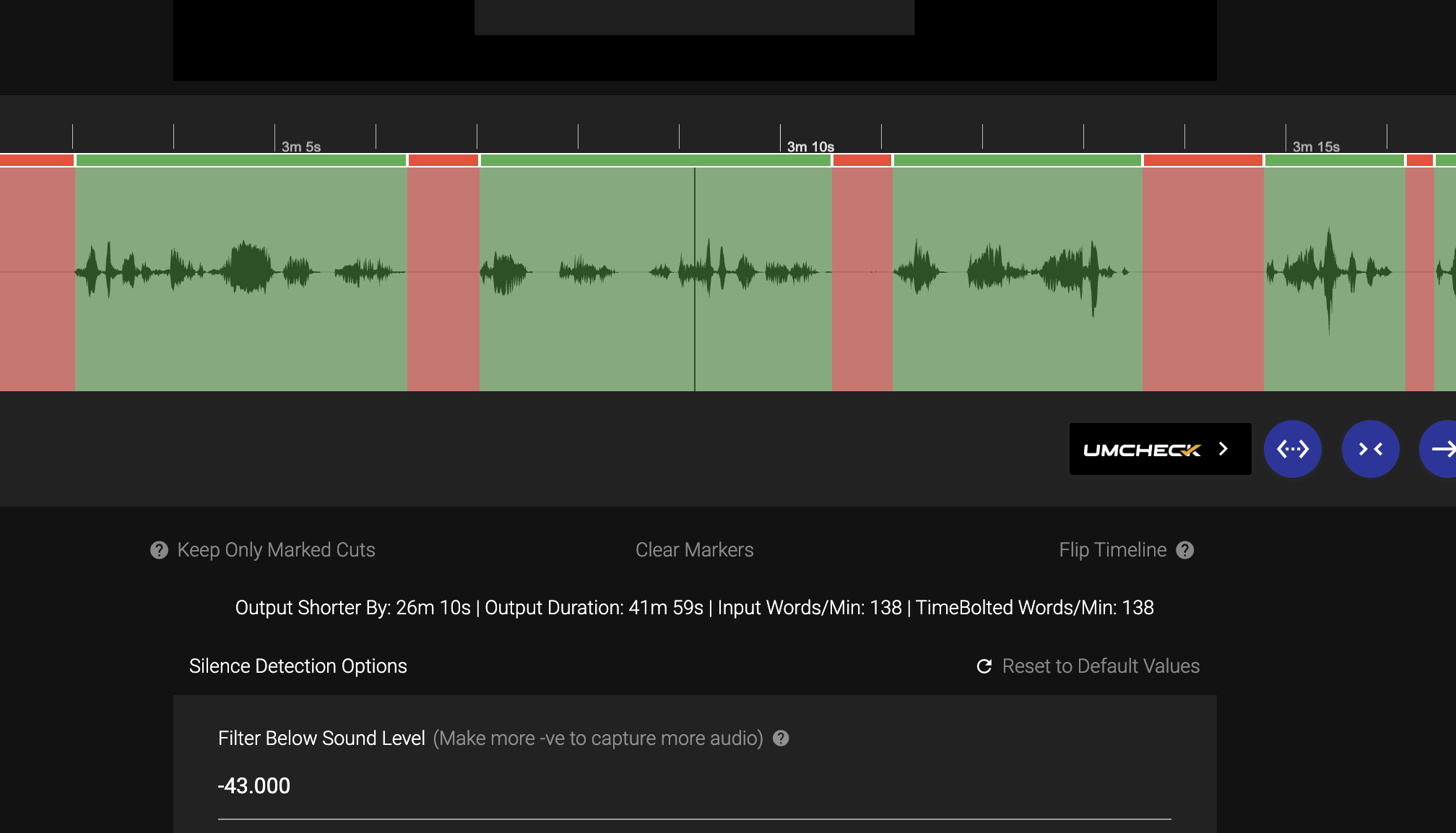
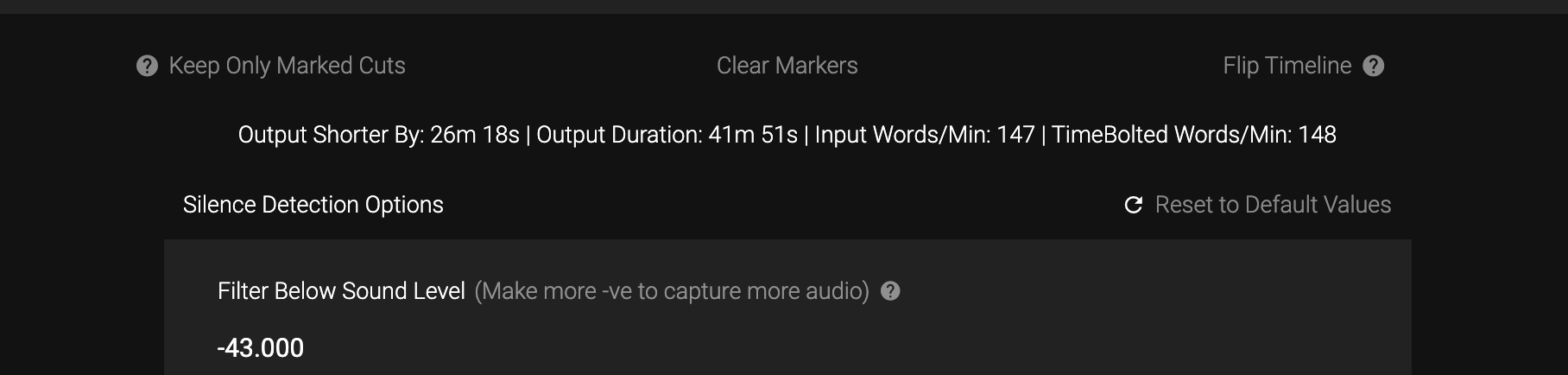
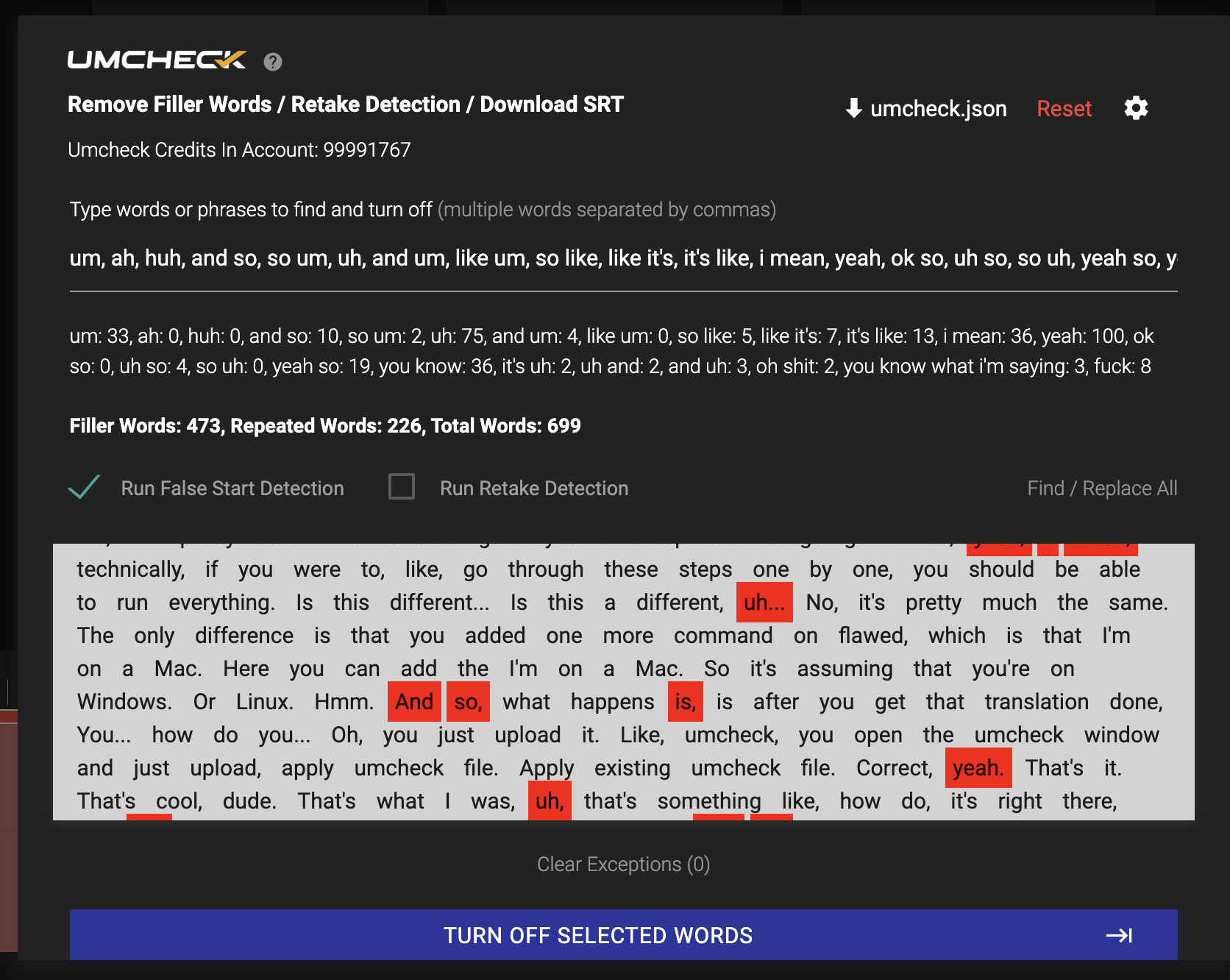
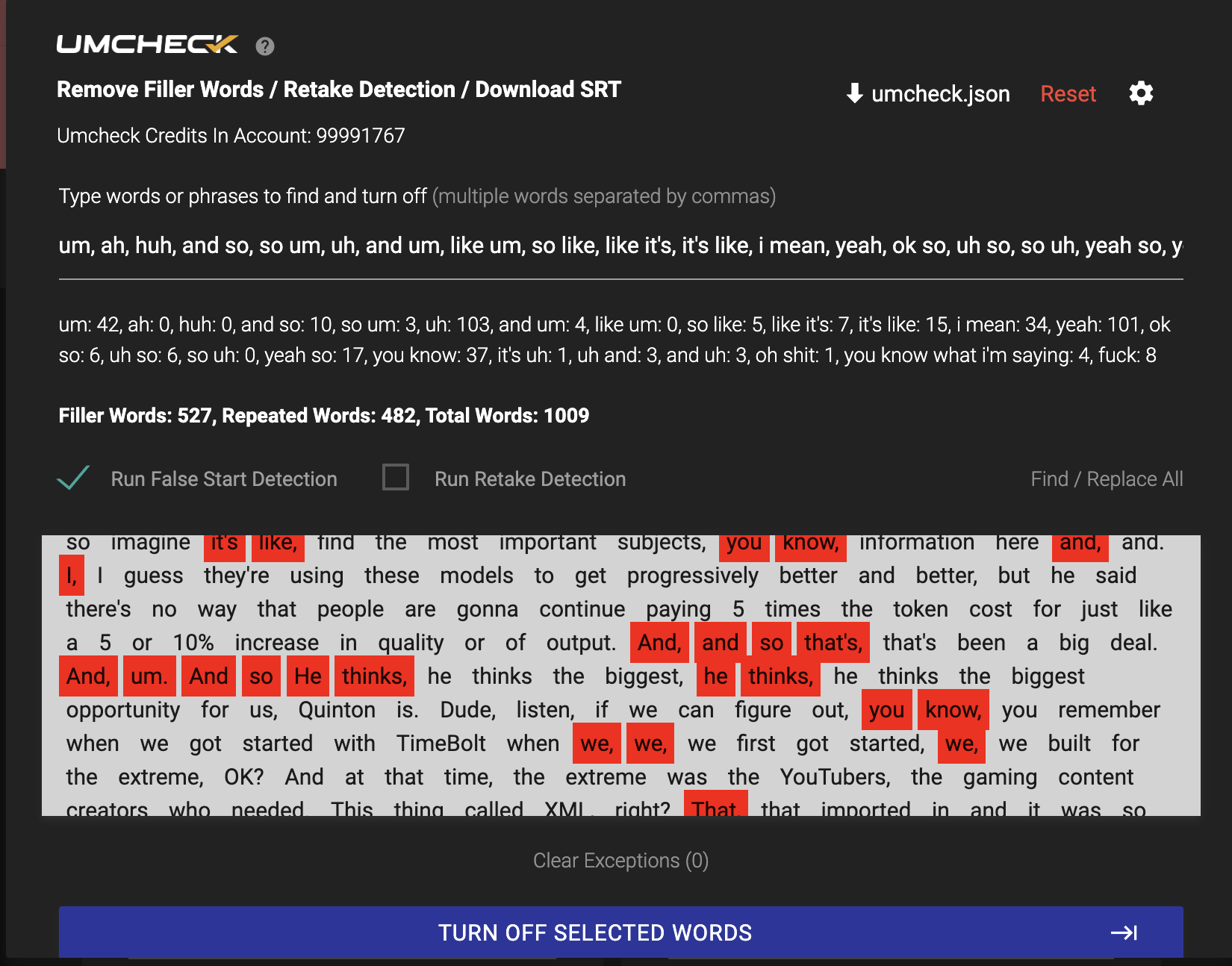
60 MIN
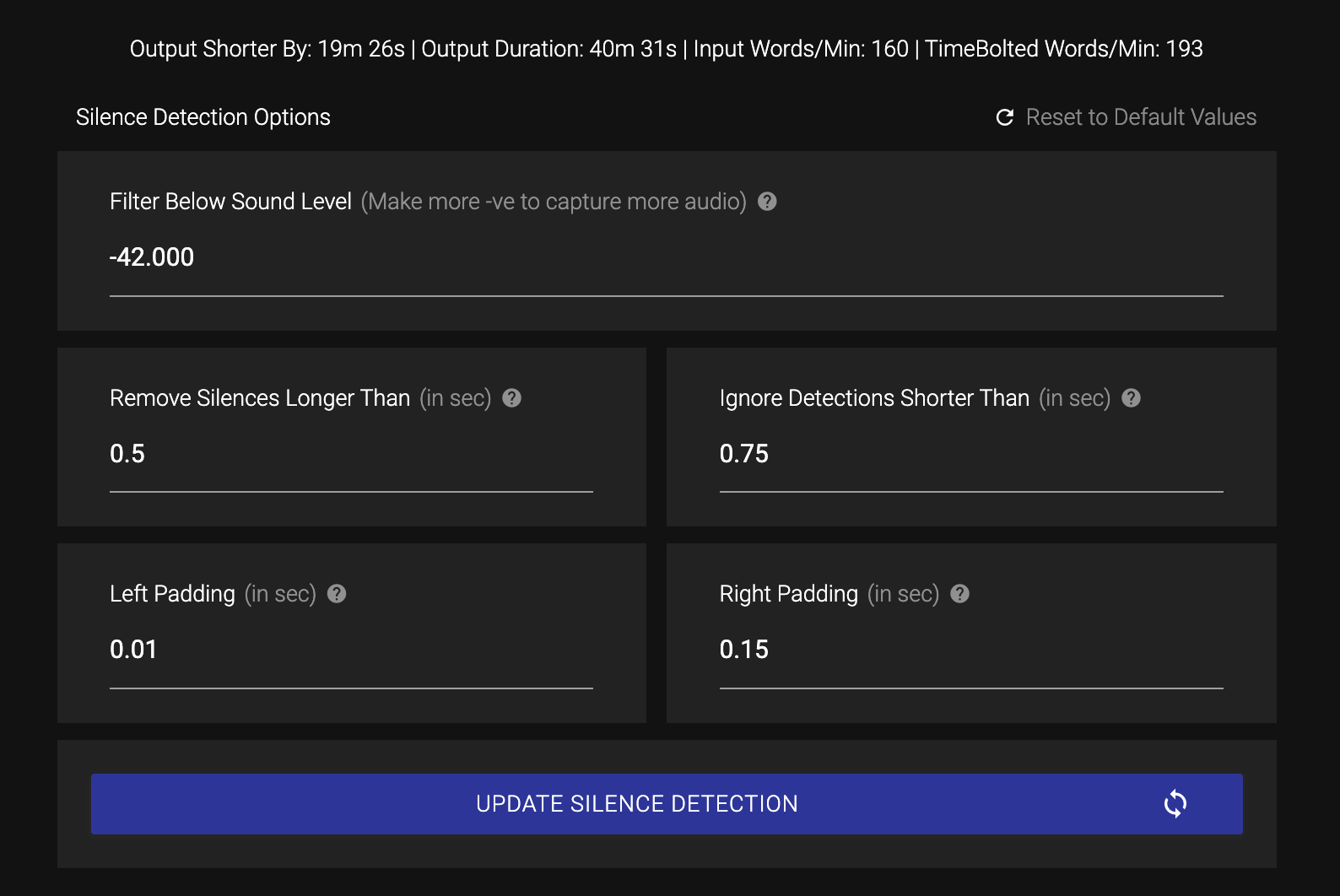
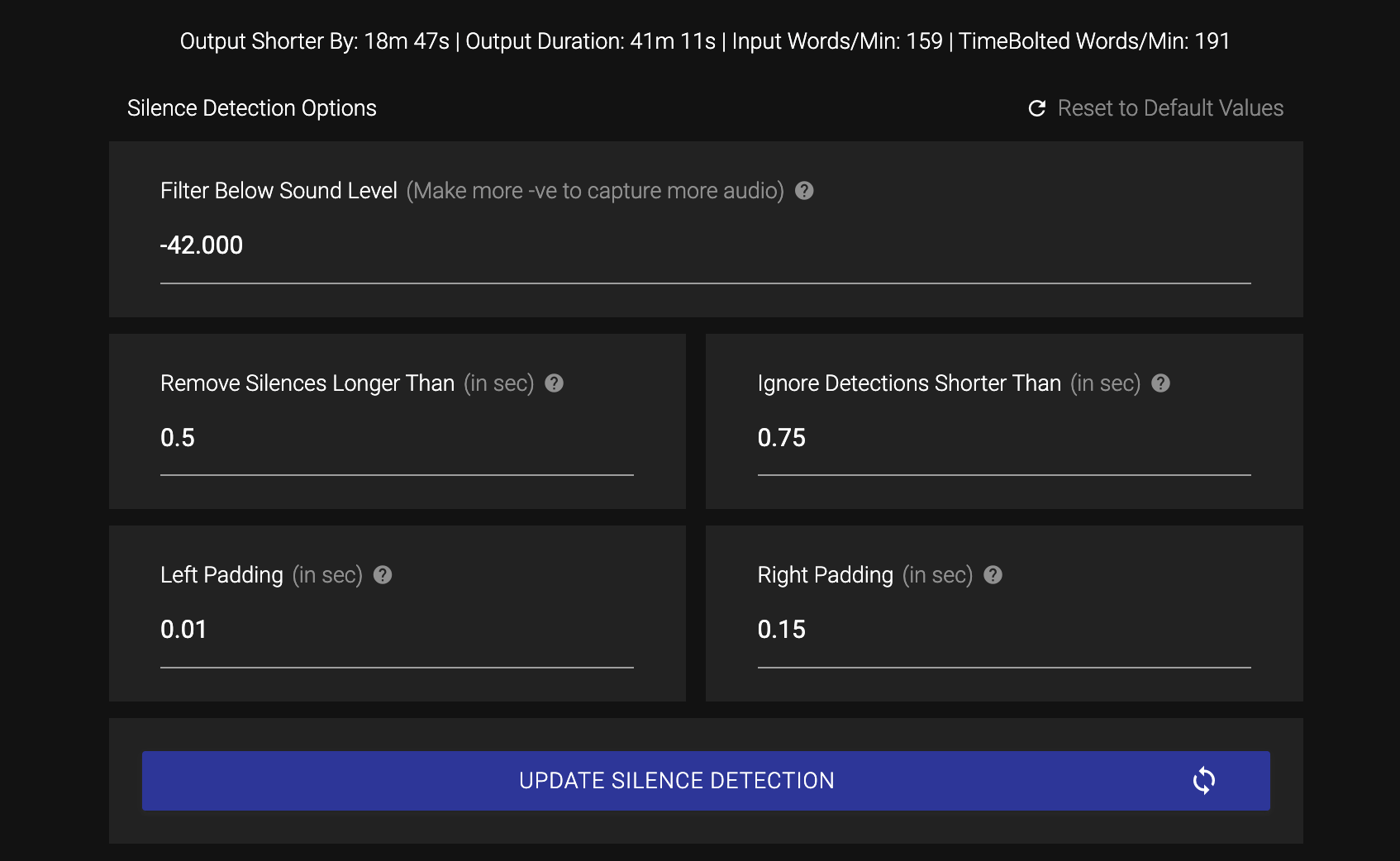
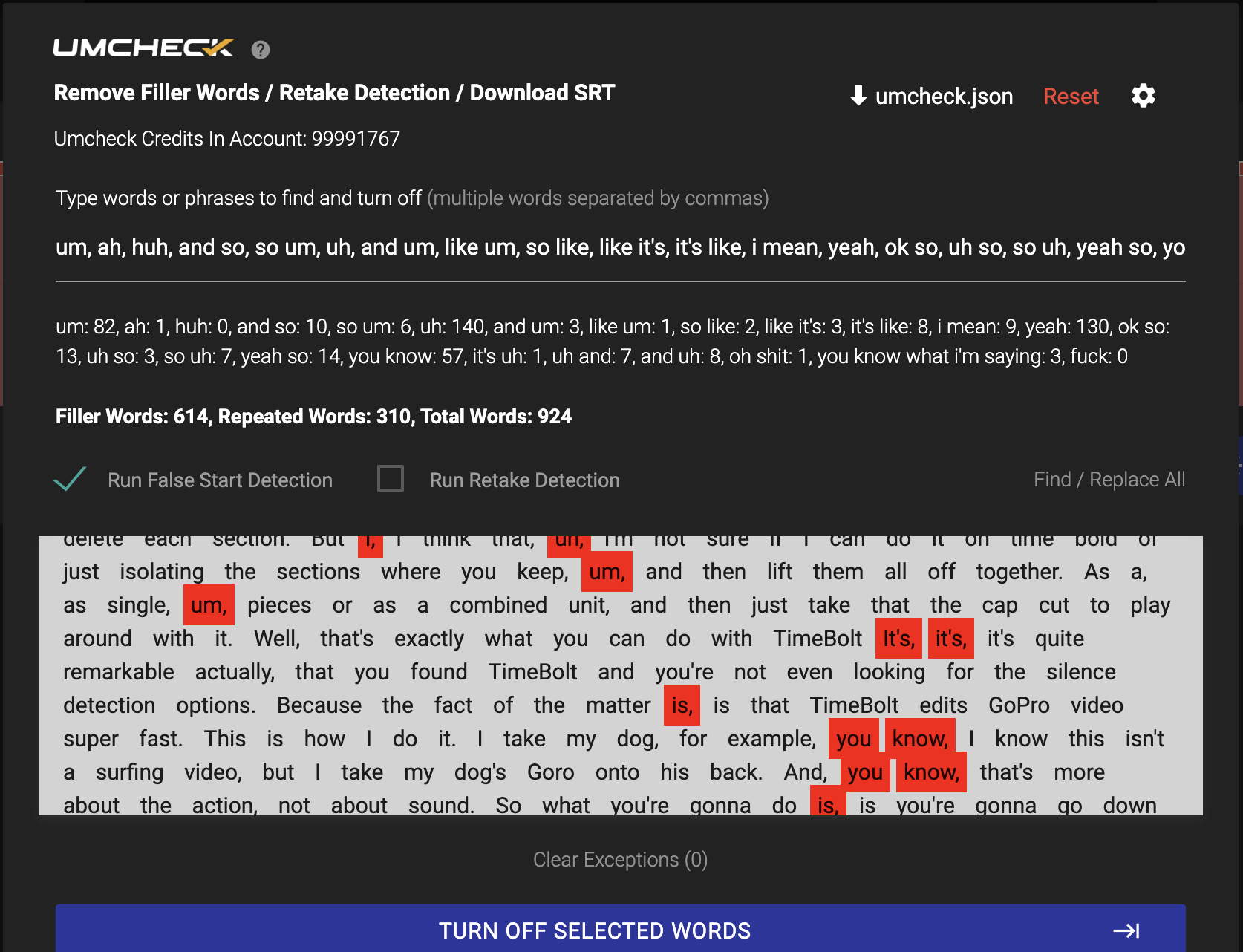
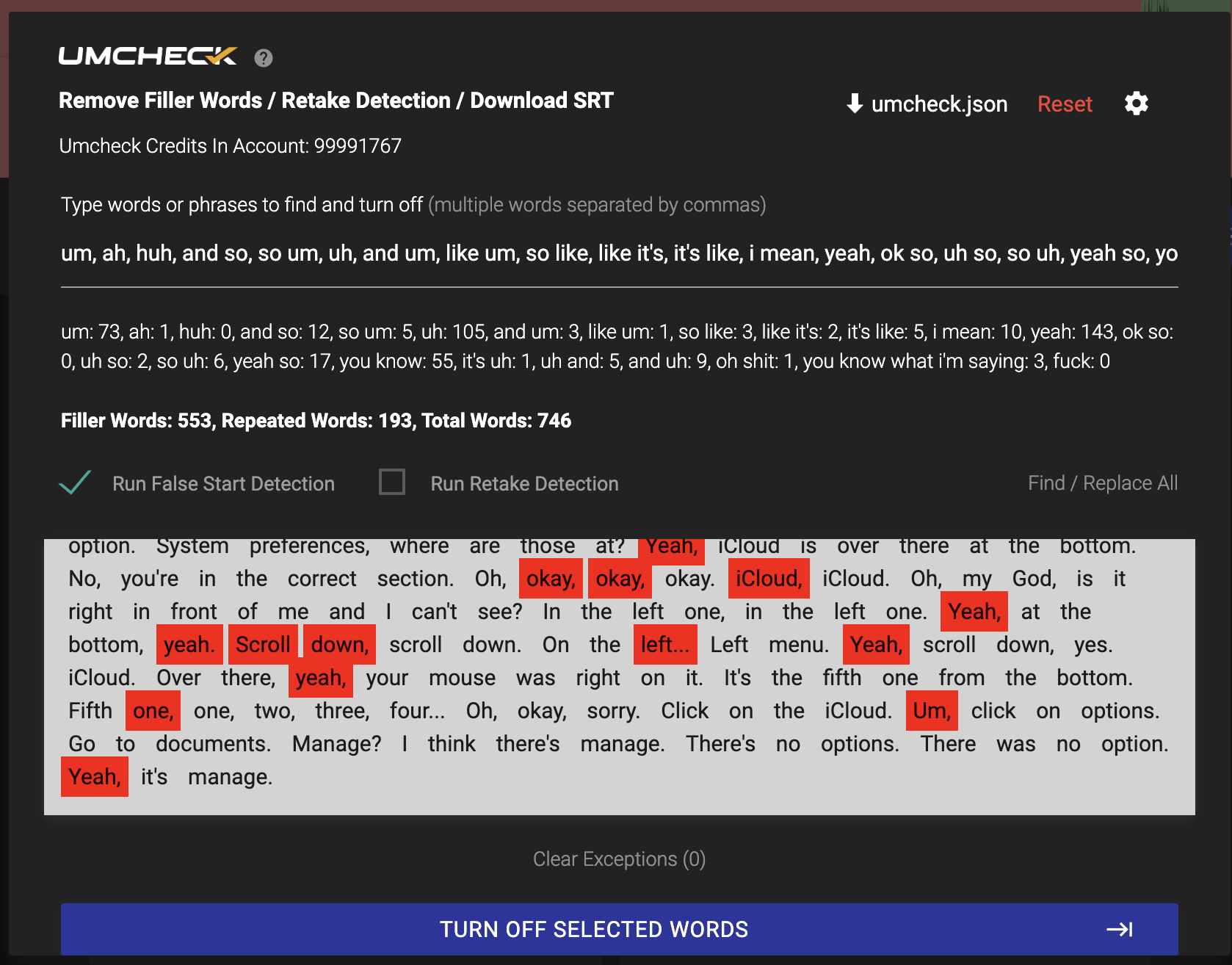
Should you actually do this?
BYO is powerful. It is also real.

Nvidia GPU required

16GB+ VRAM recommended

4090-class cards ideal

Macs run CPU-only

Homebrew + FFmpeg + Python

Hardware costs thousands
Already own the rig? BYO costs nothing per minute: an hour of video ran in about 30 minutes on an M3 Max, CPU-only. If not, keep reading.
For everyone else: 3 cents a minute.
No hardware. No setup. No model downloads. Same JSON, same cuts, same three-layer boundary correction. On our longform test, the credits path actually caught more junk and cut tighter than the local model.
GET TIMEBOLTWhy only TimeBolt can open this door
Other AI editors shut off user-supplied transcripts on purpose. When every feature is billed through AI tokens, letting you bring your own model means letting you bypass the meter. TimeBolt is a tool you buy, not a meter you feed, so the door stays open.
And a raw transcript is not an edit. TimeBolt's three-layer cut technology is what turns one into the other: waveform silence detection finds the gaps, the transcript layer identifies the content, and boundary correction snaps every cut to the waveform. That third layer is why two different models produce nearly identical final edits.
Questions
What models are supported?
Does this work on a Mac?
Do I need to buy hardware for this?
Which model is more accurate?