
Mac + Windows · Local-first editing · No cloud upload


Free screen recorder comparison
TimeBolt vs OBS vs Loom vs Descript
One free recorder that captures native 4K, auto crops for every platform, and keeps your footage on your machine. Here is how it stacks up.
| Feature | TimeBolt | Loom | Descript | OBS Studio |
|---|---|---|---|---|
| Free to record | Yes | Yes | Yes | Yes |
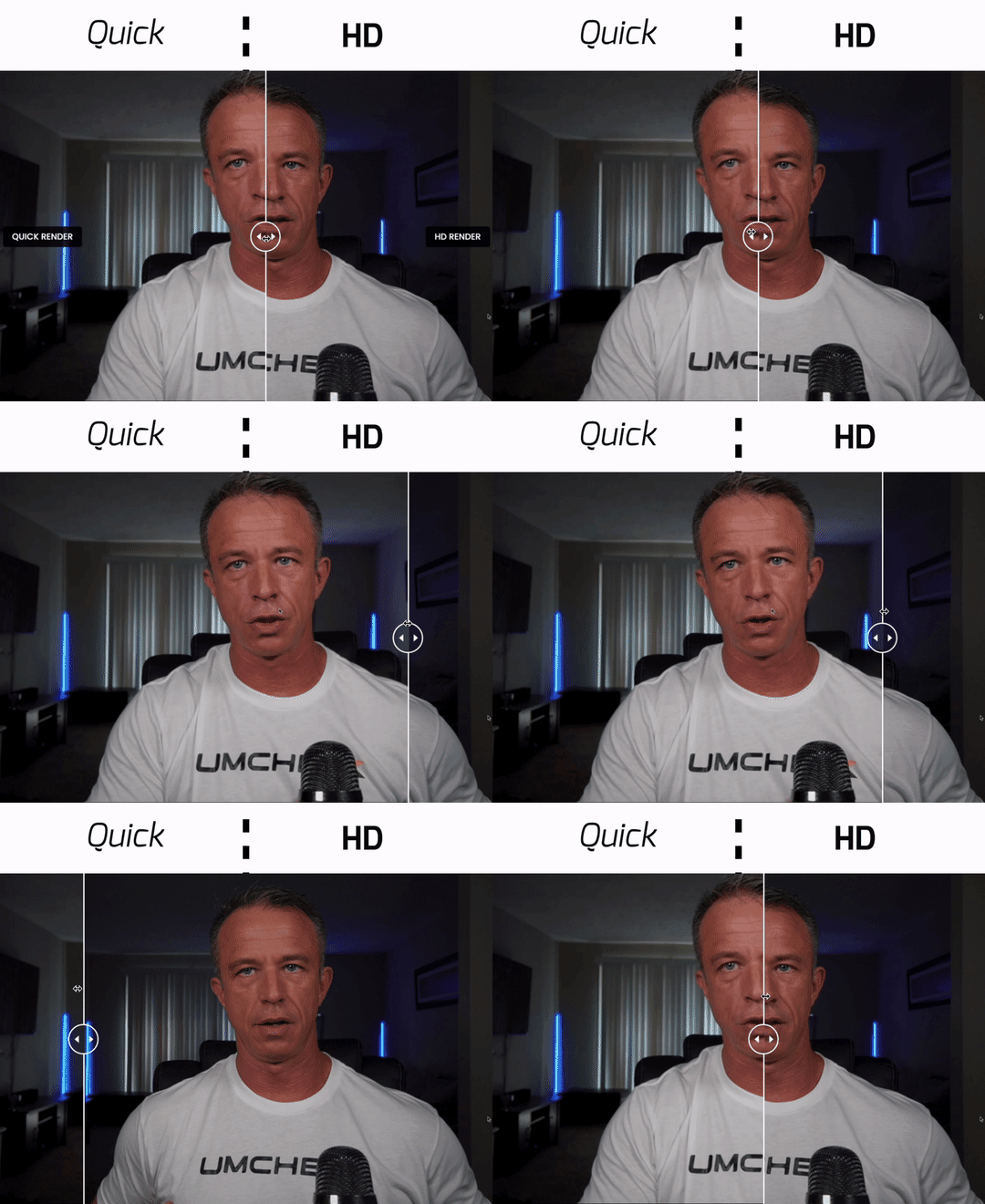
| Native 4K on the free plan | YesUp to 4K, free | Paid onlyFree caps resolution | Pro onlyFree is 720p | Yes |
| Recording time limit | None | ~5 minFree plan | LimitedHours + storage | None |
| Watermark on output | None | None | YesFree video export | None |
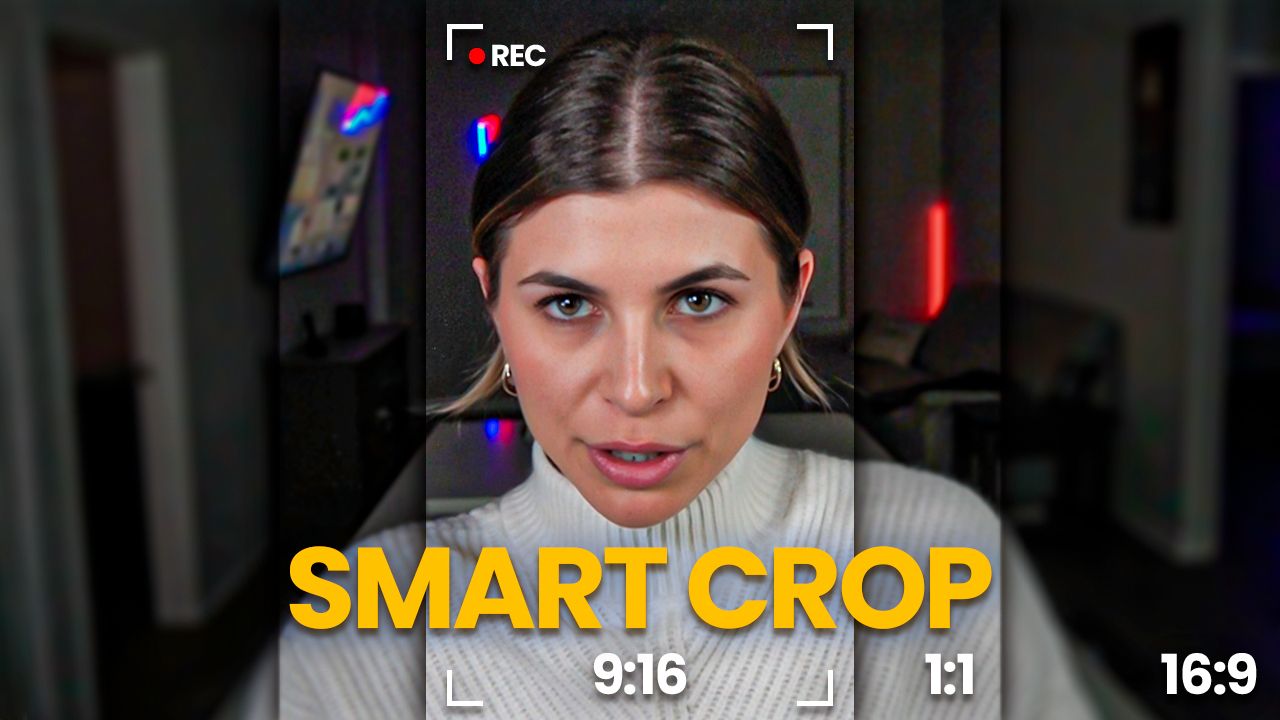
| Smart Crop, auto 16:9 / 1:1 / 9:16 | Yes | No | No | No |
| Live camera switching | Yes | No | No | YesManual |
| Records locally, no cloud upload | Yes | NoCloud | NoCloud | Yes |
| Setup and ease of use | Fast | Fast | Moderate | Steep |
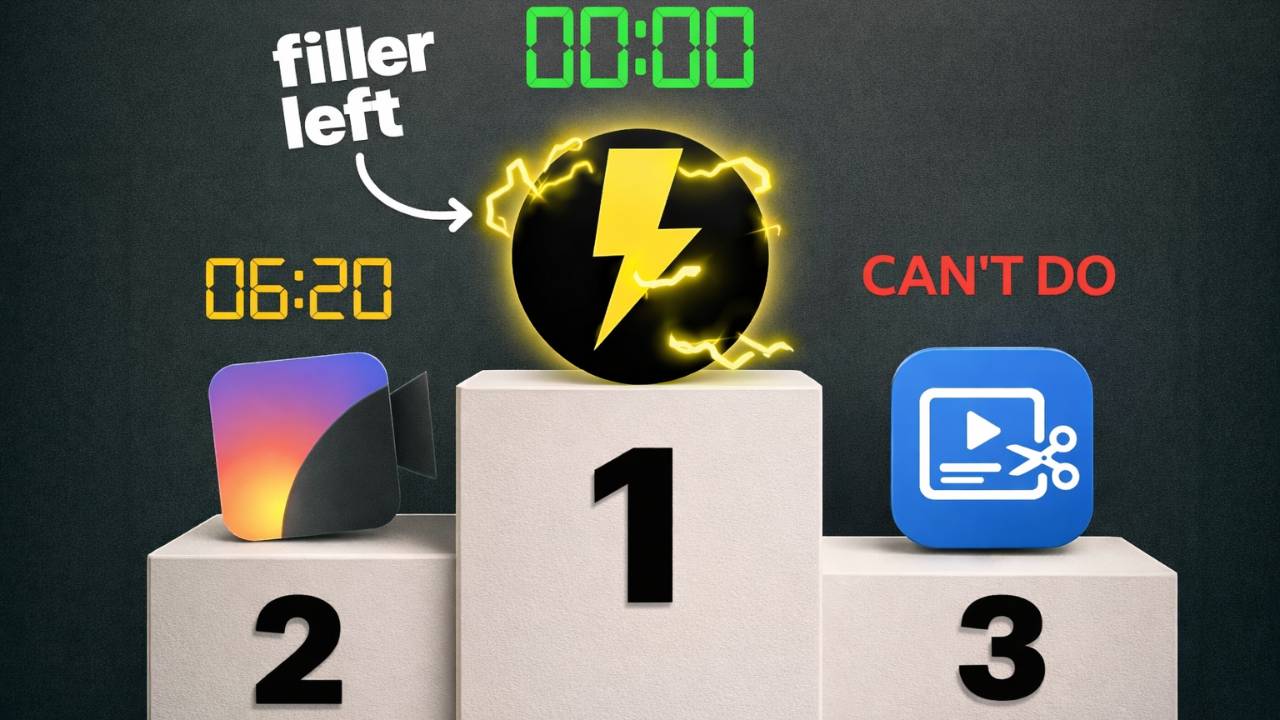
| Built-in silence and filler-word editing | Yes | Paid only | Limited | No |
Comparison based on official product documentation, vendor pricing pages, and public plan details, current as of 2026. Competitor plans and limits change; verify at the source before purchase.
FAQ
Free screen recorder questions
Is TimeBolt Screen Recorder really free?
Yes. 100% free. No watermark, no time limit, and no surprise upgrade walls. We make money from advanced editing features, but recording will always be free.
What is Smart Crop?
Smart Crop automatically frames your recording for the platform you are posting to. It crops to 16:9 widescreen for YouTube and presentations, 1:1 square for Instagram and LinkedIn, or 9:16 vertical for TikTok, Reels, and Shorts. Every crop is centered and ready to upload with no manual resizing.
What resolution can TimeBolt record?
TimeBolt captures your camera at native resolution up to 4K if your camera supports it. That works with built-in webcams, USB webcams, and DSLR or mirrorless cameras connected through a capture card like the Elgato Cam Link. iPhone over HDMI outputs up to 1080p.
Can I record my iPhone or external camera?
Yes. TimeBolt captures any camera connected to your computer in full resolution. That includes iPhone via Continuity Camera, DSLR and mirrorless cameras through HDMI capture cards, and any USB webcam.
Does TimeBolt work offline?
Yes. Your recordings stay on your device and stay private. No internet is required, there is no cloud compression, and there are no time limits.
Can I switch cameras while recording?
Yes. Live Camera Switching lets you change the active camera while you record. Cut to an overhead shot to demonstrate something, or switch between angles to keep the video visually interesting.
Can I record Keynote or PowerPoint without black bars?
Yes. Smart Crop detects your screen resolution and crops to clean 16:9 widescreen, so your Keynote or PowerPoint recording has no black bars or letterboxing.
What is the difference between TimeBolt and OBS?
TimeBolt is built for speed and simplicity. Smart Crop handles aspect ratio for you and there is almost no setup. OBS is powerful but takes real time to configure. If you want to start recording fast, TimeBolt wins.
How is TimeBolt different from Loom?
TimeBolt records at native 4K on the free app. Loom offers 4K as well, but its free plan caps resolution and puts 4K behind a paid plan, and free recordings are limited to about 5 minutes. TimeBolt also runs fully offline with no watermark and no time limit, and adds Smart Crop for automatic framing.
Do I need an account to use it?
No login or credit card required. Download TimeBolt, open the app, and start recording.



Why TimeBolt
 © 2026 TimeBolt, LLC